Vowel practice
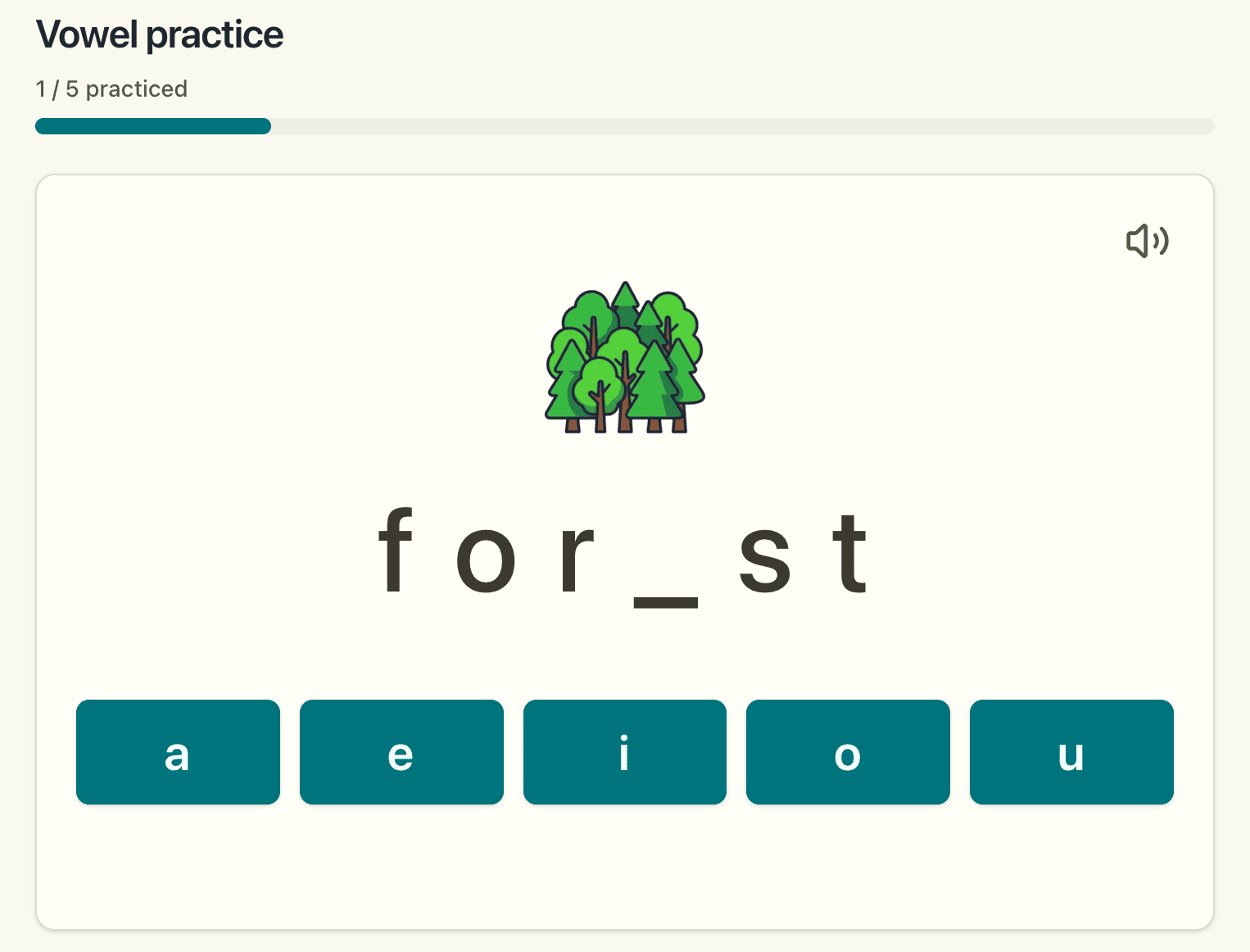
Allows students to practice vowel sounds, and to focus on specific vowel sounds or patterns.
Students are shown words with one of the vowels hidden, and they need to choose the correct vowel.
Six ways to study next to your learner—grouped into spelling, reading, and vocabulary practice—each with its own setup screen, audio where it helps, and practice history so you can review what happened in the round.
Below: the settings you will see before each round (including Drill vs Learn), then what to expect from each mode in the same three sections you see on the app home page.
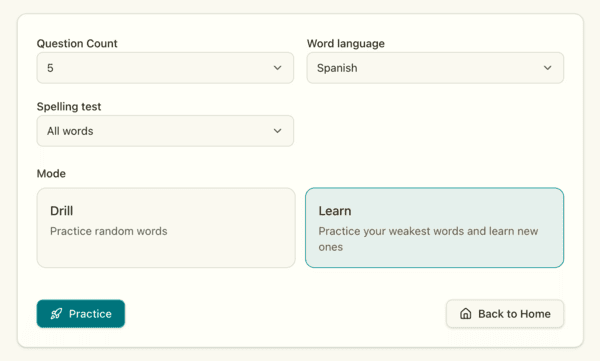
Randomly selects words from the whole word pool you have set up, so each round surfaces new words to discover and mixes in ones that have been seen before for review.
Uses spaced repetition to practice words that are still challenging before introducing new words.
Vowel, syllable, and jumble drills to practice spelling.
Allows students to practice vowel sounds, and to focus on specific vowel sounds or patterns.
Students are shown words with one of the vowels hidden, and they need to choose the correct vowel.
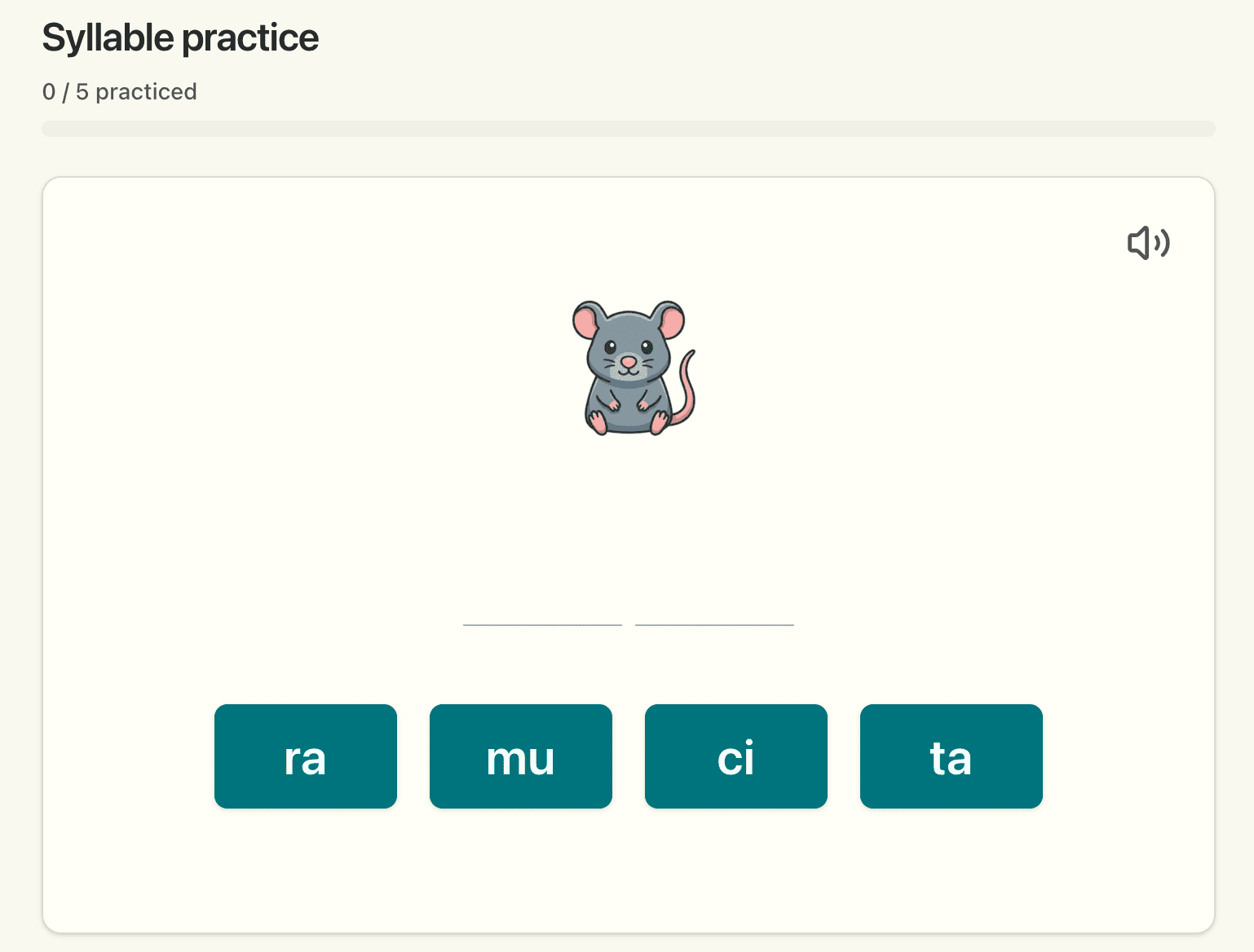
Allows practicing words with 2 or 3 syllables. Students select the appropriate syllables in order.
Available in Spanish only.
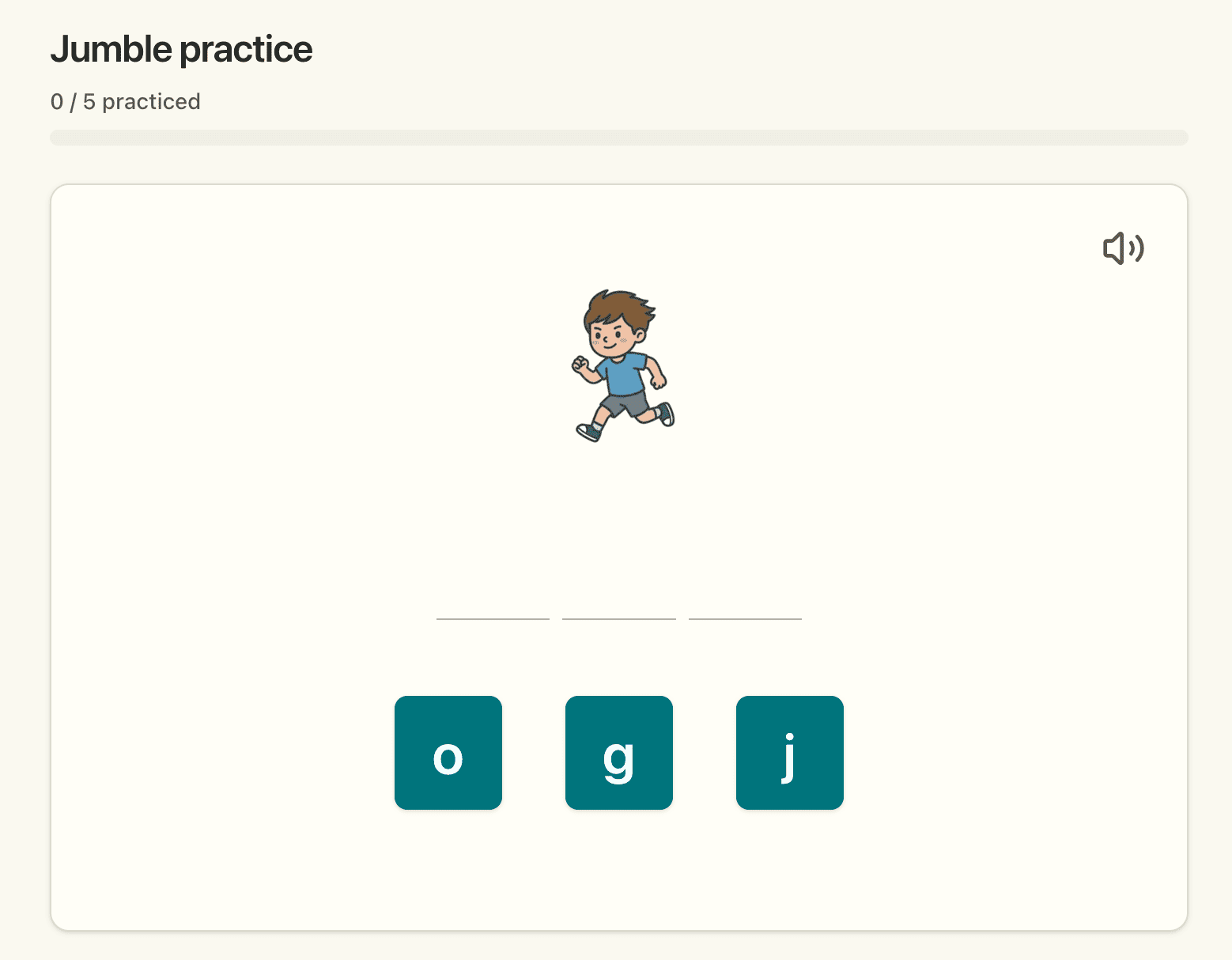
Students choose from a list of letter tiles to unscramble the target word.
Hear a word spoken aloud, then choose which word you heard from similar-sounding options—for example, telling "bull" apart from "bell".
Builds careful listening when words sound alike but are spelled differently.
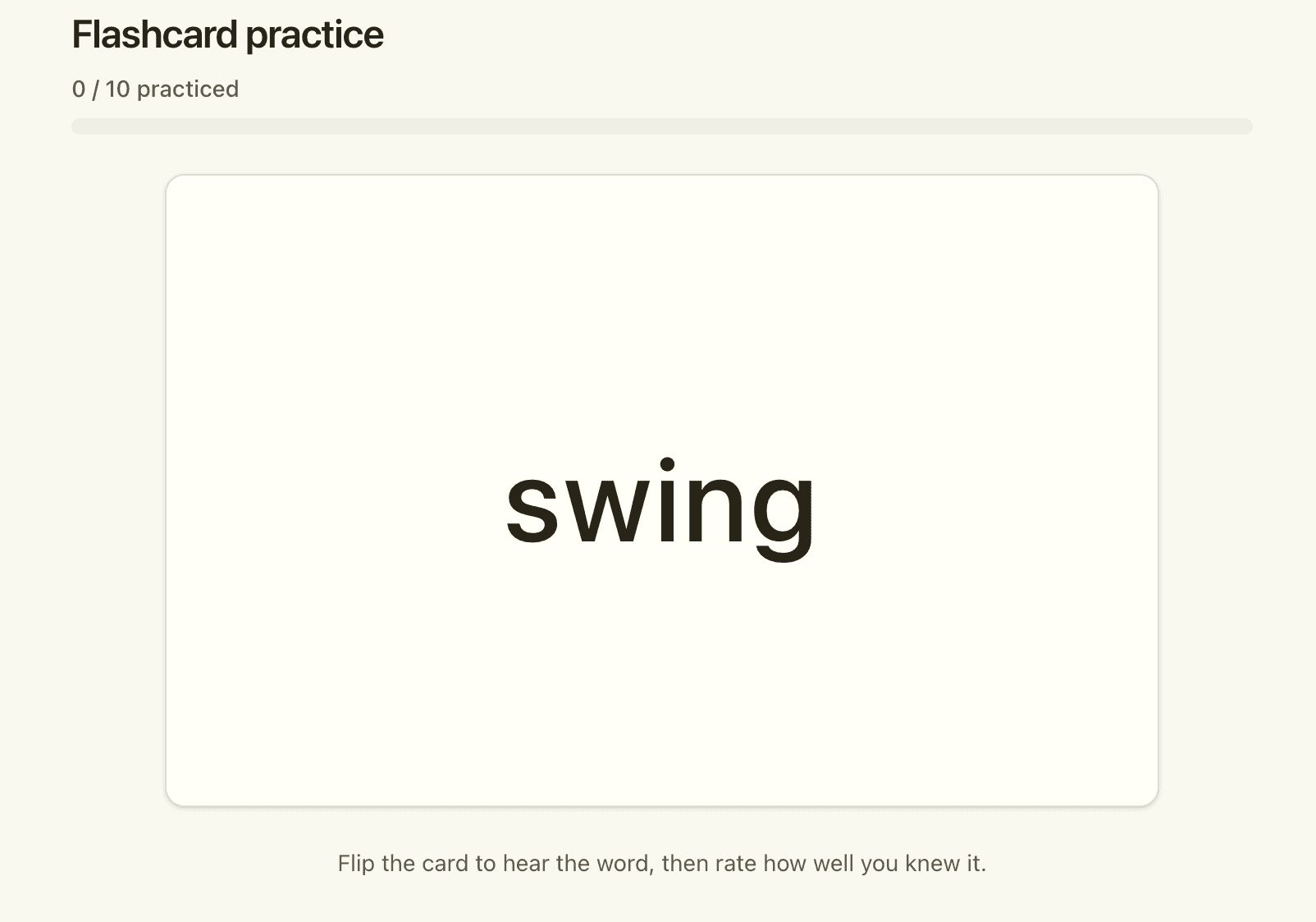
Read words and check how well you know them.
Students practice with mom or dad to determine their ability to read the word on the screen. If it's easy, it won't be presented for a while, while words marked difficult will continue to be surfaced.
Picture and word practice for beginners.
See a picture and say the word out loud, then hear the pronunciation. A parent or tutor marks how well the learner knew it.
Great for beginners building early vocabulary with visual cues in English or Spanish.