Step 1
Open Share a profile on your account page
From the app menu, open Account and scroll to Share a profile.
Step-by-step guides for families using My Learning Coach.
Invite a co-parent or guardian by email so you both can help the same student with vocabulary lists and practice.
Step 1
From the app menu, open Account and scroll to Share a profile.
Step 2
Choose the student profile, enter the other parent or guardian's email, and click Send invitation.
Step 3
If they already have an account, they see the invitation in the bell menu and can accept to link the profile to their account or decline if it was sent by mistake.
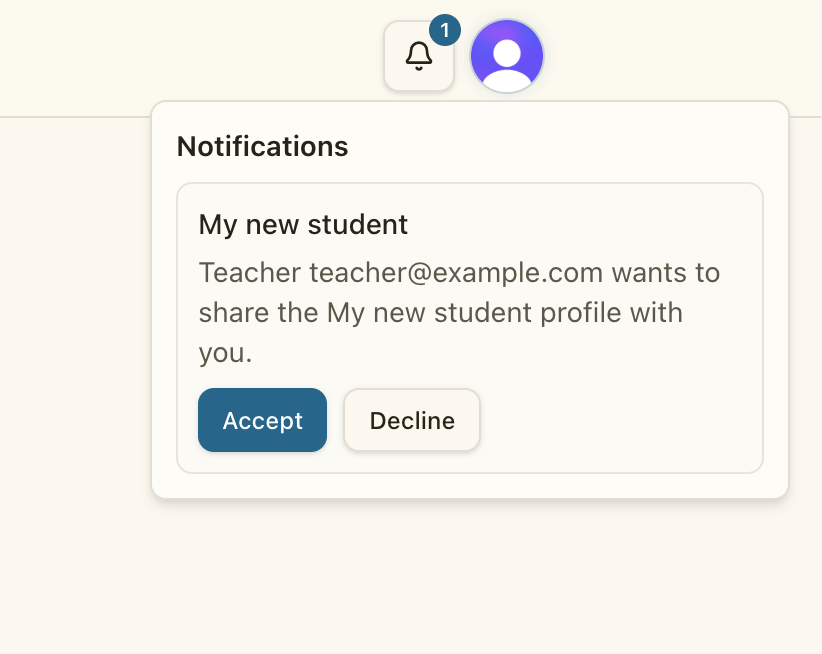
Step 4
After they accept, they can switch to that profile and see the same vocabulary lists and practice history.